
Connecting your wallet
Connect your wallet to Based Loans and confirm you are on Base.
Step 1: Open Based Loans
Go to based.loans. You will see a Connect wallet button in the top-right corner.

Step 2: Choose your wallet
Click Connect wallet. A modal opens with the supported wallet options. Select yours: MetaMask, Rabby, Coinbase Wallet, WalletConnect, and others are all supported.
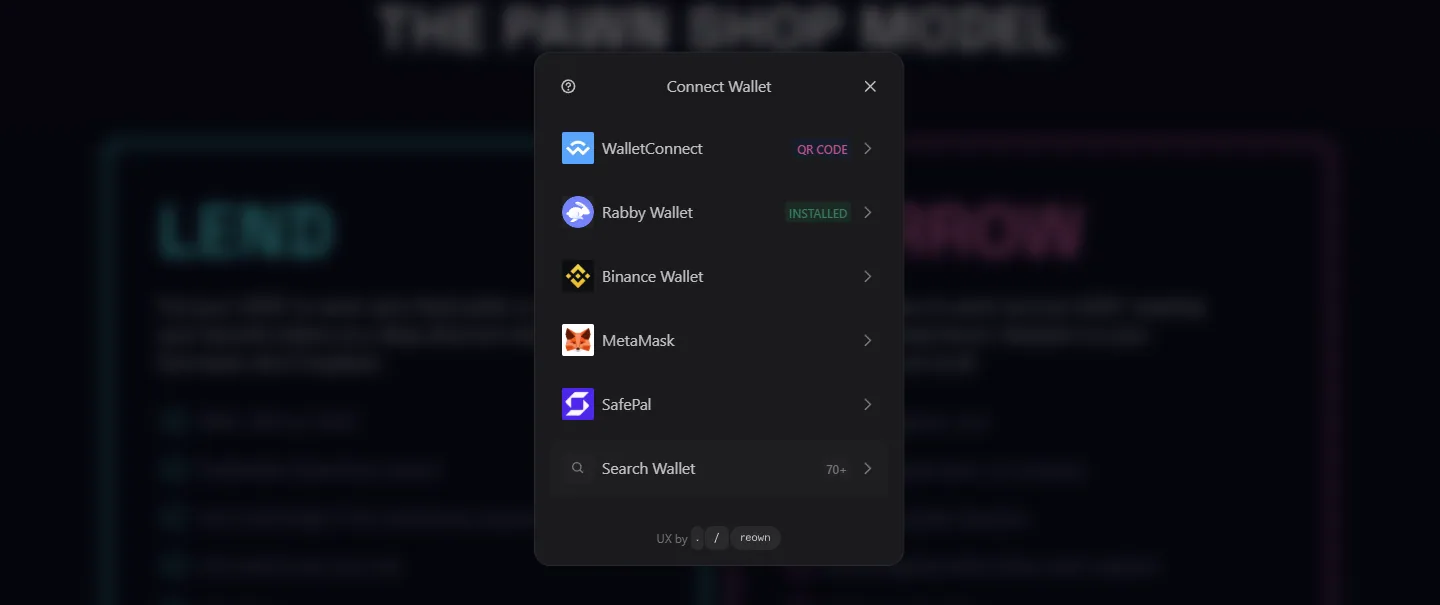
Step 3: Approve the connection in your wallet
Your wallet will ask you to approve the connection to based.loans. Click Connect or Approve in your wallet popup. Make sure you are connecting to Base (chainId 8453).
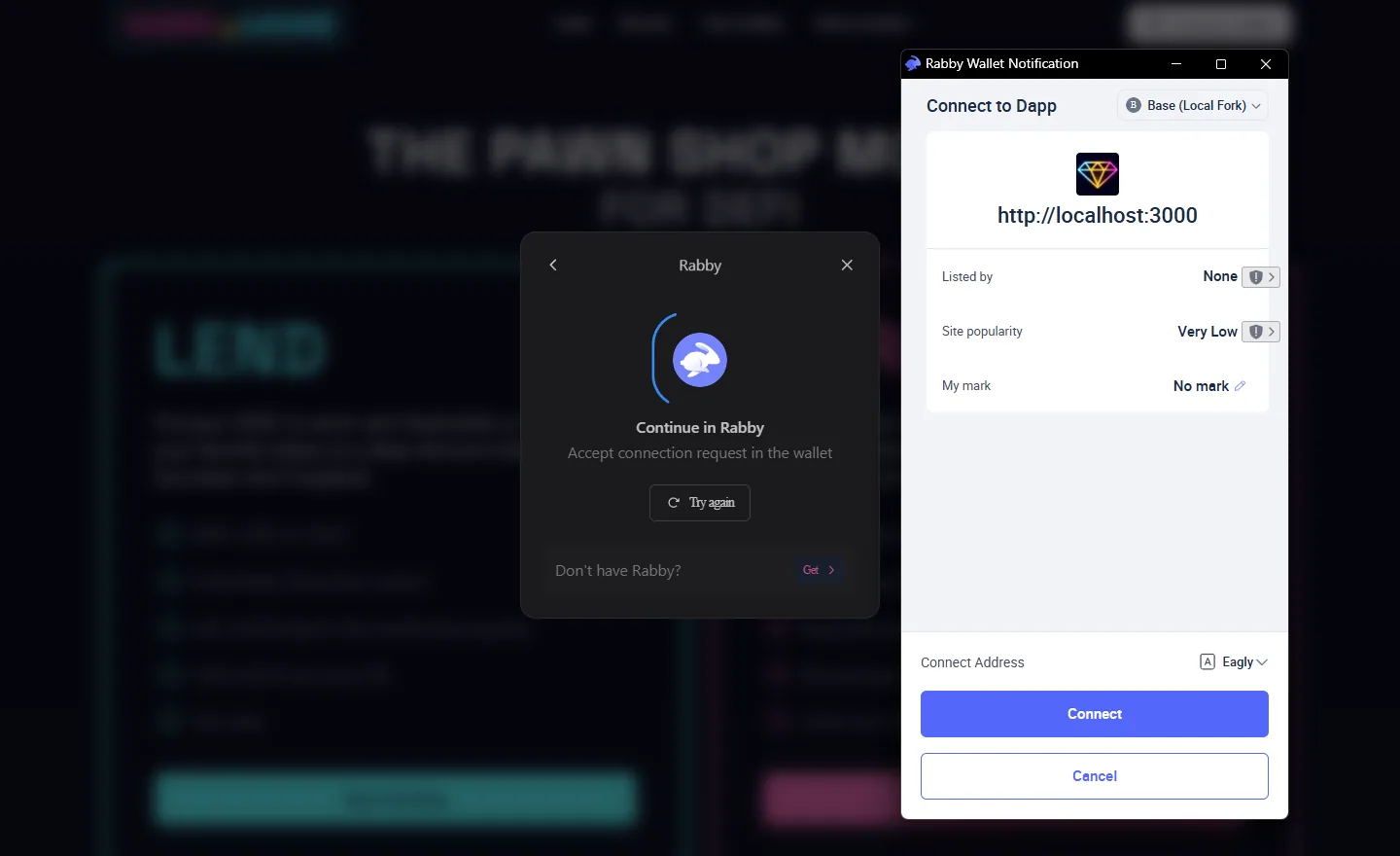
Step 4: You are connected
Your wallet address now appears in the top-right corner. You are ready to borrow or lend.

To switch wallets or disconnect, click your address in the top-right corner and use the options shown.